
· 6 min read
Guide to Integrating CRM and ERP in Small Businesses
By Roadmap Sales
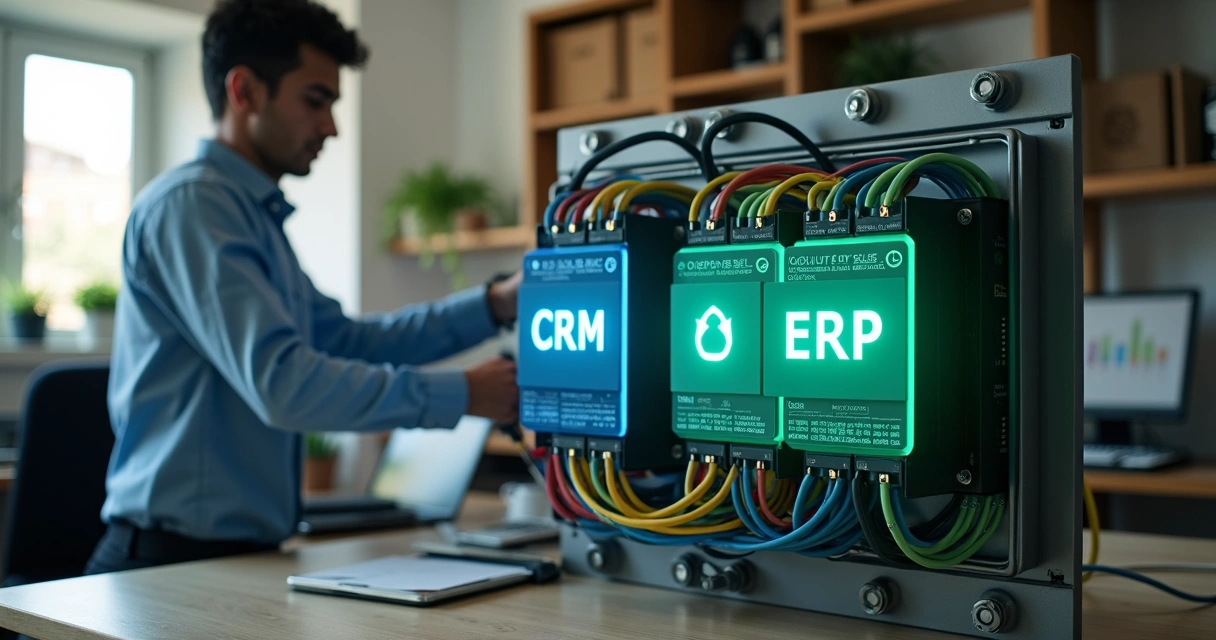
When a small business grows, issues with loose information arise quickly. The sales team records an order in the CRM. The finance team enters the billing in the ERP. The inventory updates in another system. And suddenly, no one knows which data is correct.
We see this frequently. In many cases, the company doesn’t need more spreadsheets. It needs connectivity between systems. Integrating CRM and ERP means making sales, finance, and operations speak the same language.
In practice, this union reduces rework, registration errors, and time loss between departments. For smaller companies, this is significant. An order entered incorrectly or a request stalled due to lack of synchronization already impacts cash flow, service, and team trust.
At Roadmap Sales, we often say that integration only works well when it stems from a clear process. Before technology comes routine. Before routine comes the decision on what needs to flow between the systems.
Why Small Businesses Get Stuck at This Stage
The problem is not always with the software. Often, it lies in the rush. We’ve seen companies hire good tools but fail to define responsibilities, mandatory fields, and update triggers. The result is predictable.
Without a process, integration becomes noise.
The most common errors appear in four areas:
- Duplicate customer and contact registrations.
- Orders entered in the CRM without reflection in the ERP.
- Financial information that doesn’t return to sales.
- Integrations activated without validation rules.
Therefore, before integrating, we recommend reviewing the actual flow of the company. Not the ideal flow on paper. What matters is what the team does today.
What Should Transfer from One System to Another
Not all data needs to be shared. This point helps avoid confusion and unnecessary costs. Generally, the CRM focuses on relationships, sales history, and the status of opportunities. The ERP, on the other hand, holds billing, inventory, tax issuance, and accounts.
The best scenario is to integrate only the data that has a direct impact on operations and revenue.
In most small businesses, the most useful data for integration includes:
- Customer registration, including name, CNPJ, phone number, and email.
- Products or services sold, with code and price.
- Order status, from approved proposal to billing.
- Payment terms and financial status.
- Purchase history to support new sales.
When we define this scope carefully, the project becomes simpler. And simple, in this context, tends to work better.
How to Prepare for Integration Without Creating New Problems
Before any technical configuration, it’s worth following an order. This avoids rework right from the start.
We suggest this step-by-step process:
- Map the sales funnel and the order flow to billing.
- Define which fields are master in each system.
- Clean up old registrations and remove duplicates.
- Choose how the integration will be done, via API, native connector, or intermediary service.
- Test with a few records before rolling it out to the entire company.
This point about master fields deserves attention. If a customer’s address changes, where should this change originate? In the CRM or the ERP? If no one answers this beforehand, two systems start to compete for the truth.
For those still choosing a commercial tool, our content on how to choose a CRM helps avoid a hasty decision. This makes a difference when the company is already thinking about integration from the start.
What Type of Integration Makes the Most Sense?
The company doesn’t always need a large project. In many scenarios, a straightforward integration between registration, orders, and billing is sufficient. The ideal type depends on the size, budget, and maturity of the team.
The most common options are:
- Native integration, when the systems already communicate with each other.
- Custom API, when there’s a need for specific rules.
- Intermediary platform, when the company wants to connect systems without extensive programming.
For small businesses, the best integration is usually the most stable and easiest to maintain.
We’ve seen small operations hire something overly complex. At first, it looks great. Later, any adjustment depends on third parties, costs rise, and the team loses autonomy. It’s worth being practical.
If the company uses an ERP focused on lean operations, it may be useful to better understand the context of solutions like Olist ERP within the order management and administrative control routine.
How to Avoid Failures in the Sales Routine
Integrating systems does not resolve a poorly filled funnel. This point often frustrates leaders. The CRM needs to receive correct data from the source. If the salesperson skips steps or fills in too many free fields, the ERP receives garbage.
We like to work with three simple precautions:
- Standardize field names and sales stages.
- Define mandatory data that affects billing.
- Create alerts for synchronization errors.
In commercial structures that use well-known market tools, such as Pipedrive or HubSpot, this alignment between process and registration is often the key factor that separates healthy usage from a confused operation.
Another precaution is to review the timing of the switch or implementation. When the company changes CRMs without reviewing integrations, the risk increases. Therefore, our team also recommends consulting a checklist before switching CRMs to avoid loss of history and disruption in the sales flow.

What Gains Appear in Daily Operations
When integration is done well, the change appears quickly. Not because everything becomes perfect. But because the company starts to trust the flow more.
The most noticeable gains are:
- Less rework between sales, finance, and operations.
- Fewer errors in orders, billing, and registrations.
- Greater visibility of customer history.
- More agility in tracking from closing to billing.
In our experience, the greatest gain is not always technical. It’s managerial. The leader stops making decisions based on different versions of the same sale. This changes the quality of internal conversations.
Conclusion
Integrating CRM and ERP in small businesses is not just a technology issue. It’s an organizational choice. When sales, finance, and operations share the right data, the company reduces friction and gains clarity to grow with fewer errors.
We believe in more grounded projects. First, process. Then, system. And then integration. At Roadmap Sales, we do this impartially, considering size, budget, routine, and team maturity. If your company wants to make better decisions before investing or adjusting what it already uses, it’s worth exploring our free diagnosis and receiving a safer path for the next step.
Frequently Asked Questions
What is integration between CRM and ERP?
It is the connection between the customer relationship management system and the company’s management system. This allows data such as customers, orders, products, and billing to flow between areas with less manual entry.
How to integrate CRM and ERP in the company?
The process starts with mapping the commercial and administrative processes. Then, we define which data will be exchanged, which system will be the primary source for each piece of information, and which connection method will be used, such as native integration, API, or intermediary platform. Next, we test on a small scale before general release.
What are the benefits of CRM and ERP integration?
The main gains are less rework, fewer errors in registrations and orders, greater visibility of customer history, and better alignment between sales, finance, and operations. This helps the company track sales from start to billing with more control.
Is integrating CRM and ERP expensive?
It depends on the scenario. If the systems already offer a ready connection, the cost tends to be lower. When the company needs very specific rules, extra development, or correction of disorganized processes, the cost increases. Therefore, planning ahead avoids unnecessary expenses.
Is it worth integrating CRM and ERP?
Yes, in most small businesses it is quite worthwhile, especially when there are recurring sales, order issuance, billing, and the need for reliable history. The return appears when integration solves a real problem in the routine and not just when it is done for trend's sake.
Want this tailored to your stack?
Run the free assessment and get a personalized report with fit scores, tradeoffs, and rollout guidance.
Start free assessment